Arduino and NodeMCU Aquarium Weather
Multimedia
files.catbox.moe/e0qewt.mp4
OpenWeatherMap
1. Current Time
2. Sunrise
3. Sunset
4. Condition
5. Wind Speed
6. Cloud %
NodeMCU
1. Get weather data
2. Segregate conditions
3. Convert values to strings
4. Aggregate sequence
5. Serial to Arduino
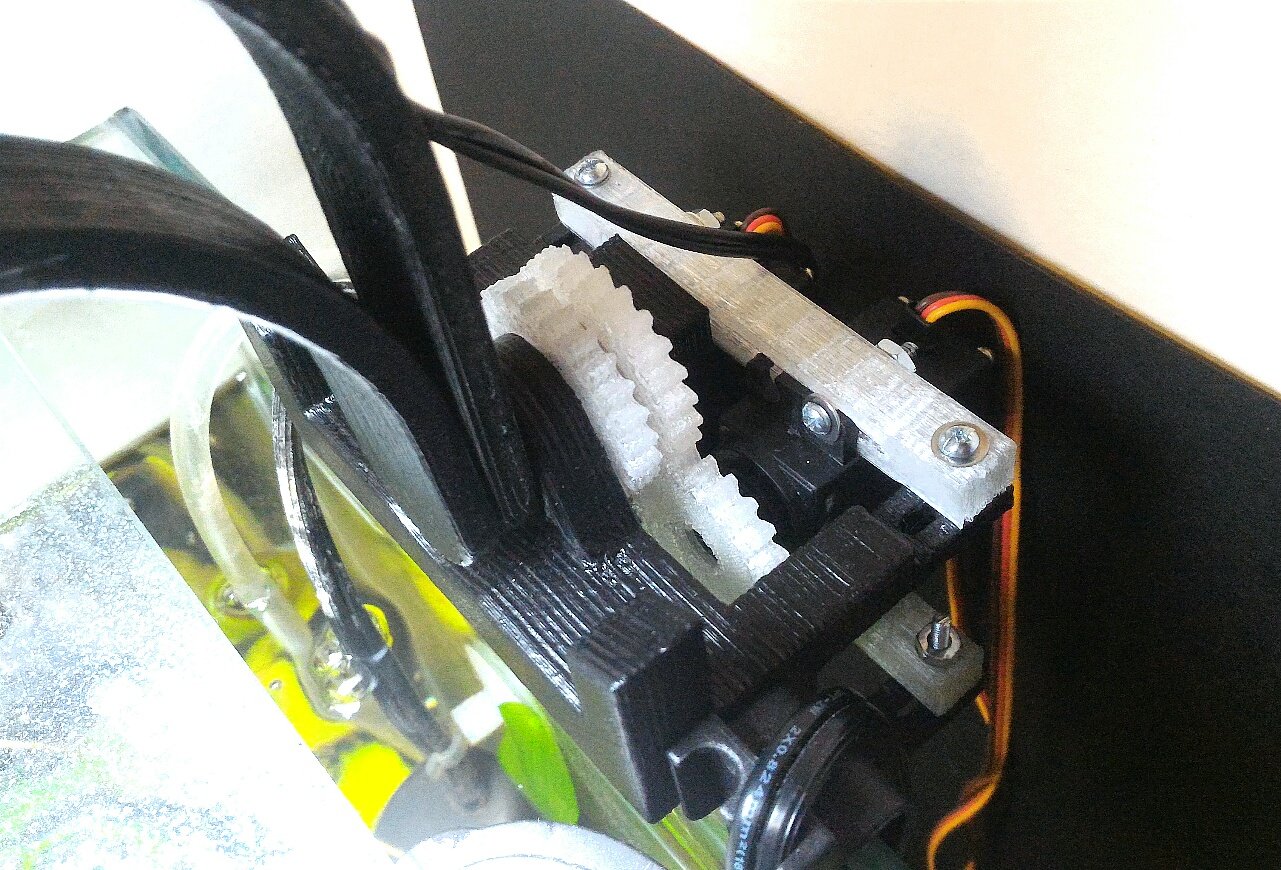
Arduino
1. Receive and test serial data
2. Split data to functions
3. Set light position to time of day
4. Set cloud percent relative to light position
5. Activate weather event (rain, etc)
6. Set fan speed to mapped wind speed m/s
Conditions
1. Sunrise to Sunset
2. Clouds
3. Rain or Drizzle
4. Thunderstorm
5. Snow
6. Fog
7. Wind
8. Tides
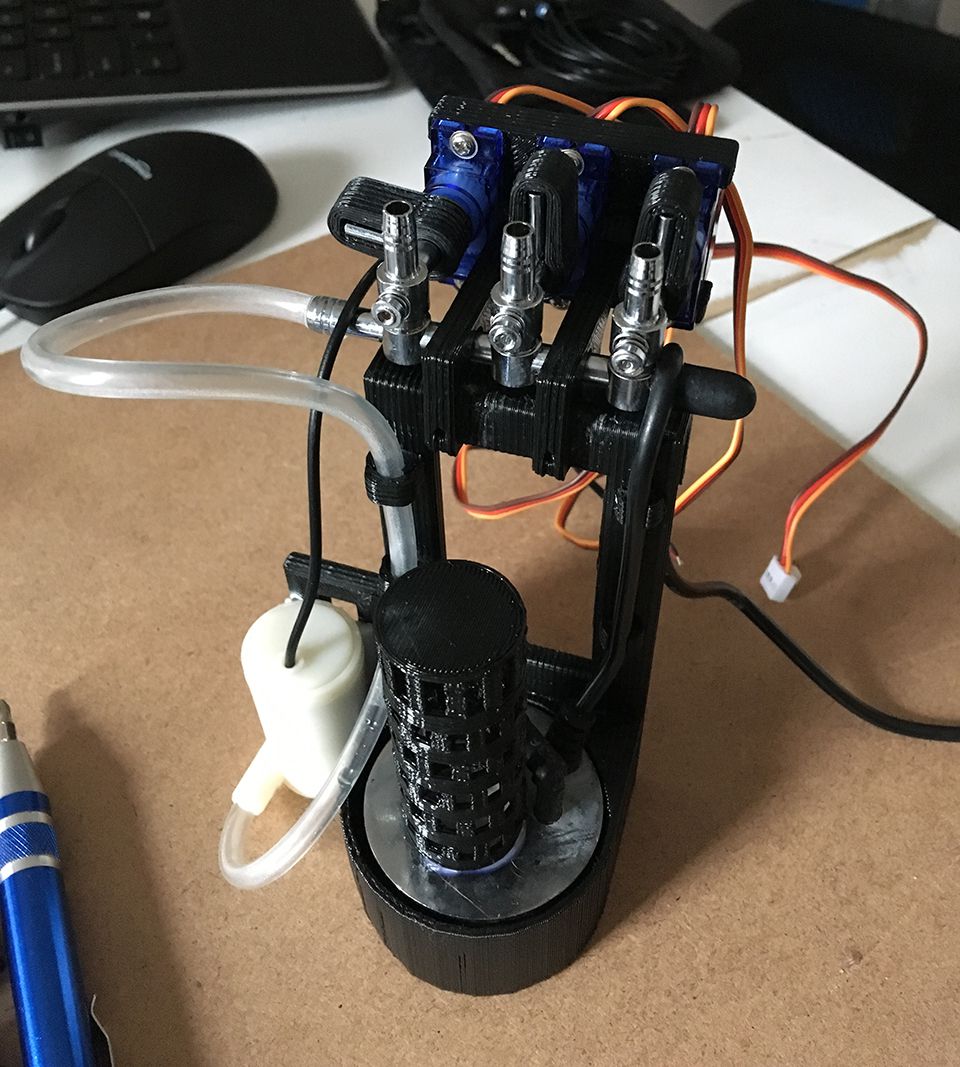
Ingredients
NodeMCU
Arduino Uno
MG995 Servo (2)
MOSFET (3) + 10K
TIP120 (2) + 2.2K
Water Pump 5V
Neopixels + 2.2K + 1000uf
Vinyl Tubing 3/16ID
Peltier Element (2) + Heat Sink
9G Servo (4)
Gang Valve (3)
40mm 12V Fan
80mm 5V Fan
Lever Switch
160 LED 5600K
24V 12V-500W 9V 5V
Ultrasonic Mist Maker
Wire Strainer (Mesh)
Acrylic Tube
Source
?p=aquarium_weather
Updates
Menu
Calendar
Project Tin (024/029)
Miter


0.00099
260,316 (+730)
260,316 (+730)